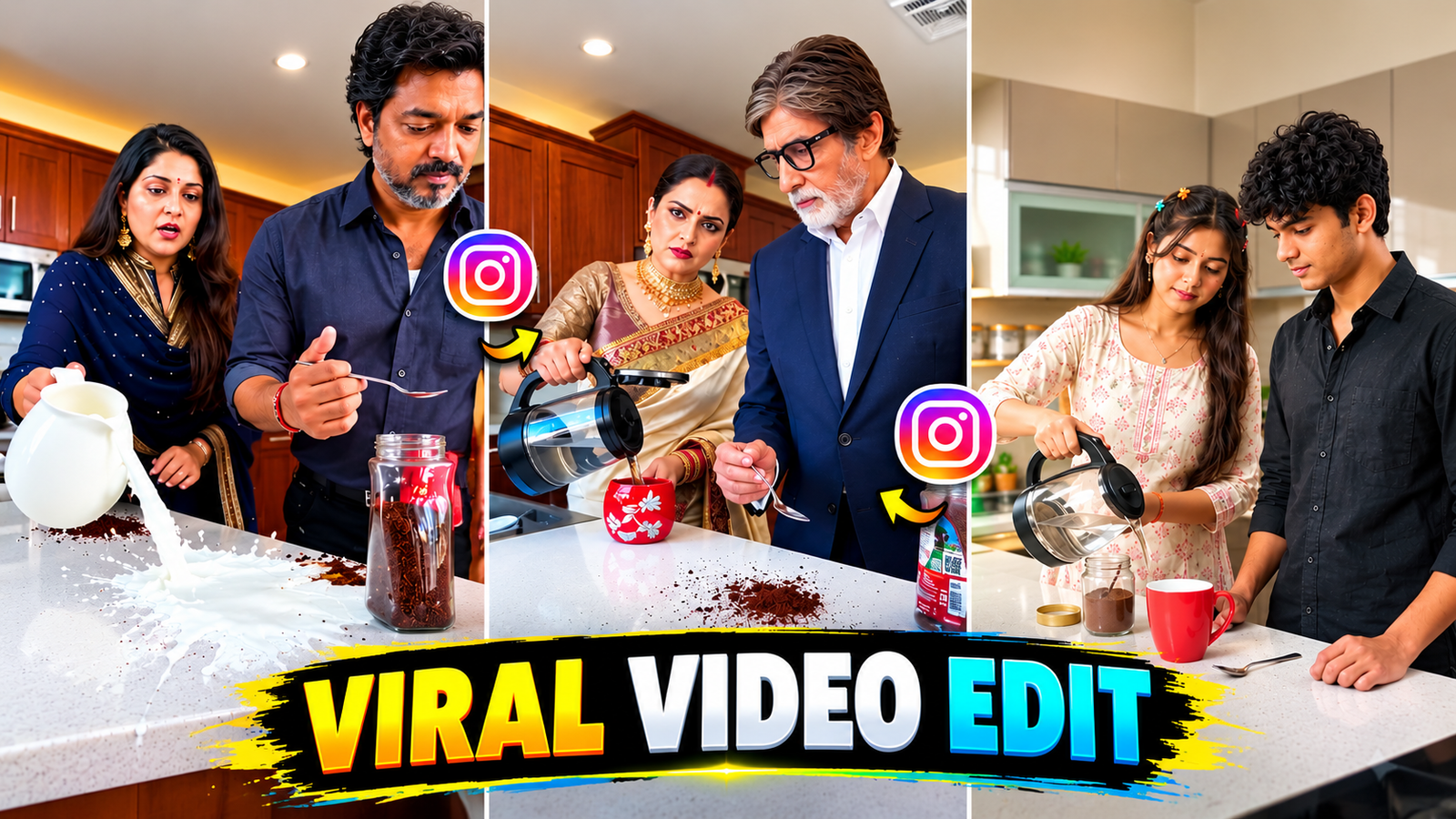
Friends, are you also thinking of making a trending video like this? It’s trending a lot on social media like Instagram, Facebook, and YouTube. So, you can make this viral coffee couple video. In this, you get to see two couples in the kitchen making coffee. There are some viral moments in it, which are becoming quite viral at the moment. Someone posts a copy of this coffee, then the second character removes the coffee. This is how the moment happens, and it’s very funny and engaging to watch, that’s why it’s becoming quite viral on social media. You can also make this type of video with your couple characters. In this, you’ll need a reference video, a photo of your couple, and a prompt with which you can make this type of video. You’re going to use one such video, which will make it very easy to make this type of video.
Requirements to Create an AI Coffee Couple Video
To make an AI coffee couple video, first of all you will need two photos, one girl photo and one boy photo. The face in the photo should be absolutely clear, no filter should be used, the light on the face should be good. And also you will need a reference video, the background music of the video you use should be off. Also you will need a prompt, with the help of which you will be able to make your video. After this, to create the video, you will have to use such AI tools, with the help of which you will be able to make your video very easily. You can use Google Flow AI tools, with the help of which you can make your video very easily.
Viral AI Coffee Couple Video Editing Prompt
To make a viral AI coffee video, you have been given such steps in the prompt, in which with the help of the prompt, you can make both the characters do all the movements in the entire video in a very real way, in which your face, clothes, camera angle, every movement from making coffee has been given to you in this prompt, with the help of which you can also make your video very well and in a very real way with the help of AI.
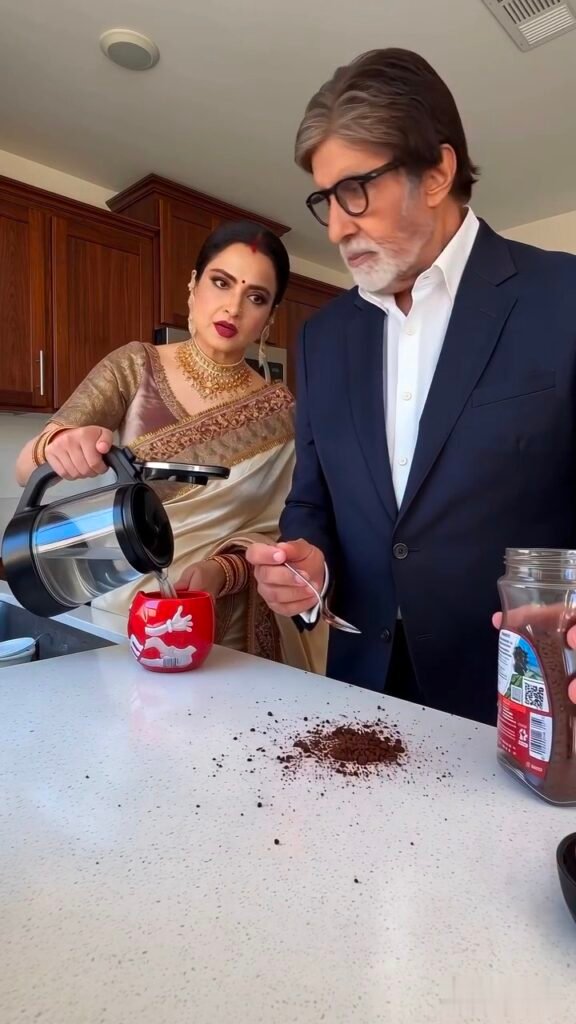
How to Create a Coffee Couple Video Using Google Flow AI ?
With Flow AI, you can create a stunning couple video from your photo. Follow the steps below.
Step 1 :- First, you’ll need two photos: one of a girl and one of a boy. Both photos should have clear faces and no filters.
step 2 :- Download the Prompt and Reference Video. First, go to the article provided and copy the prompt to create the video. You will also receive a Reference Video. Download that as well.
Step 3 :- Open the Flow AI website.First, open the Chrome browser on your mobile or computer and search for Flow AI.Go to the Flow AI website. Once the website is open, click on the Video option.
Step 4 :- Select Video Settings. Now you need to make some settings to create the video. First, select the Video Generation option. Then select the video frame. Now, choose the video quality as per your requirement. Then, select the number of seconds of the video. Finally, select the number of results you want.
Step 5: Upload Photos and Reference Video Now you need to upload your files. First, upload the downloaded reference video. Next, upload the girl’s photo. Then, upload the boy’s photo. Before uploading, double-check that all the files are correct.
step 6 :- Now paste the prompt you copied in Step 2 into the Prompt box. Check the prompt carefully once. Then click the Send or Generate button.
step 7 :- Generate your video. Now Flow AI will start creating the video as per your given prompt or photos and reference video. Wait for a while, after this you will see some results of the video on the screen.
step 8 :- Download the video. Choose the video of your choice from all the results. Check the video by previewing it. If you like the video, click on the Download or Save button. Your couple video will be ready.
Tips to Get Better Results.
To create an AI coffee couple video and achieve good quality, I’ll share some steps that you can follow to create your video easily and with character consultation. First, you need to upload two photos into Flow AI that are clear and face-smooth, without any filters. You also need to use a reference video, which you’ll find in my article, along with a prompt to create your video. It’s important to note that you need to follow certain steps in the prompt you use. After pasting the prompt, you’ll see options like @image1, @image2, and @video1 within the prompt. You’ll need to tag the photos you want to show in @image1 and @image2. You’ll also need to tag the video you uploaded to @video1. This way, you can promote your video and get better results.
Frequently Asked Questions
Many such couple AI videos are going viral these days. You can easily create them using two reference photos and a video. You’ll likely wonder if our faces match 100%. Yes, you just need a prompt that includes every step and every moment within the prompt. You’ll find all these prompts in my article, which will help you follow every step in the video, including camera angle, character consistency, face matching. This allows you to easily create your own video. After creating this video and following all the steps, you can upload it to Instagram Reels or YouTube Shorts and go viral. You might also have another question: Is Flow AI free? Yes, Flow AI is completely free, allowing you to create your own videos completely free, with no subscription or credit required. Just follow the given steps and create your video.
Conclusion
In this article, I have told you all the methods of making AI couple coffee video, in which you can make your video with your character and your face by using Flow AI, using prompt and reference video, in which all the steps that you need to make the video, I have told all those steps in my article, with the help of which you can make your video in the final result and in a completely real way.